Compress images on upload
Compressify optimizes JPG, PNG, and supported image uploads as they enter the WordPress media library, so new pages stay lighter by default.

 WordPress image compression plugin
Compressify helps WordPress teams reduce image weight with automatic upload compression, bulk media library optimization, and optional WebP conversion, all from a clean plugin workflow.

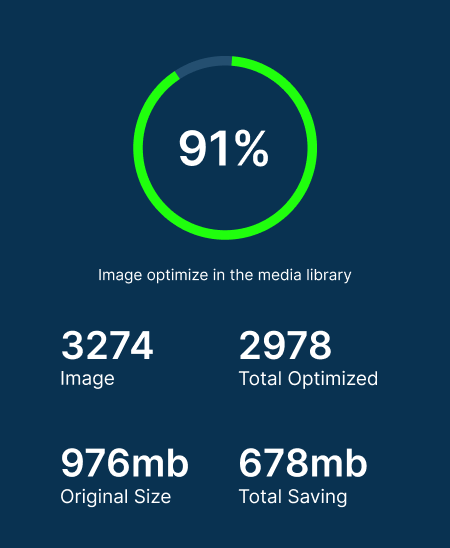
Compressify optimizes JPG, PNG, and supported image uploads as they enter the WordPress media library, so new pages stay lighter by default.
Run bulk compression for existing media files when an older WordPress site has years of unoptimized images slowing down key pages.
Compression runs through WordPress image editors on your site, avoiding dependency on an external compression API for routine optimization.
Enable WebP output for supported uploads when you want modern image delivery and smaller assets for browsers that support it.
Compressify is designed for site owners, editors, and agencies that want a low-friction media optimization process. Set it once for new uploads, then use bulk optimization when legacy pages need a cleanup.
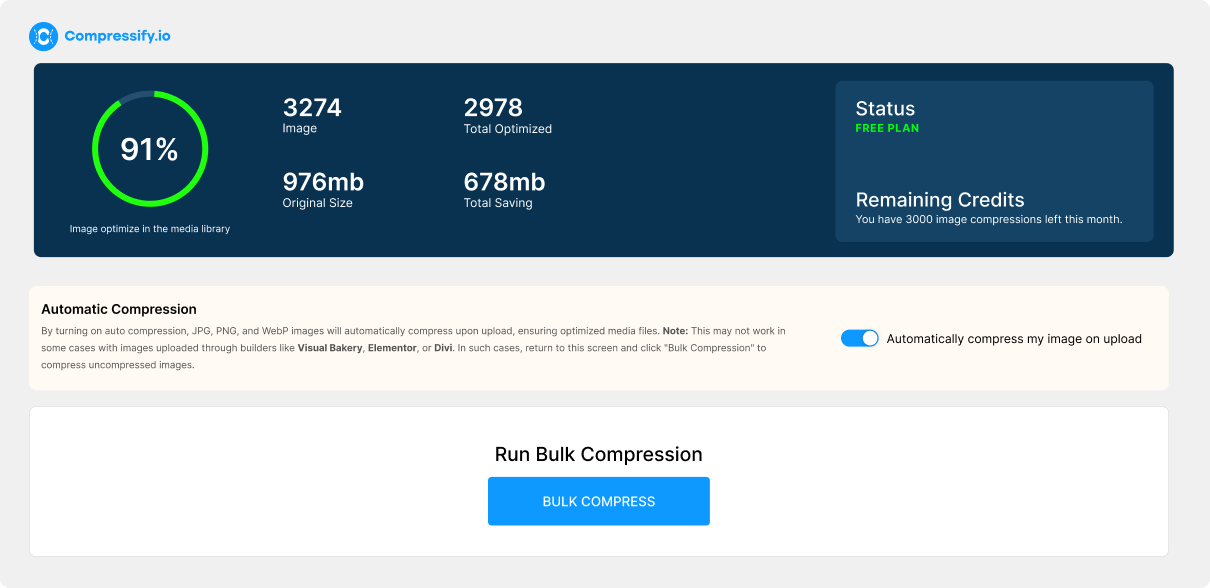
The right plugin should optimize new uploads, handle your existing media library, and give you control over modern formats without adding another external service to your stack.
| Capability | Why it matters | Available in Compressify |
|---|---|---|
| Upload compression | Automatically reduces image weight as new content is published. | Included |
| Bulk media compression | Optimizes existing media in batches instead of editing files one by one. | Included |
| WebP conversion | Creates smaller modern assets while keeping the original format available. | Optional |
| Local processing | Keeps routine optimization on your WordPress server for greater control. | Included |
Add the plugin to your WordPress site, activate it from the Plugins menu, then open the Compressify admin screen to choose compression settings. Start with Standard Compression for most publishing teams, then test High Compression on image-heavy pages where smaller file size is the priority.
Compressify is built for site owners who want upload compression, bulk media library optimization, and optional WebP conversion inside WordPress without relying on a separate image compression service.
No. The plugin listing states that compression happens locally using WordPress image editors, which makes it a practical option for privacy-conscious WordPress workflows.
Yes. Compressify includes bulk compression, so you can optimize images that were uploaded before the plugin was installed.
Yes. WebP conversion can be enabled from the plugin optimization settings for supported uploads.